NovaCam
Six camera looks. One drag.
Turn any clip into surveillance footage, a VHS memory or bodycam evidence — in one drag. Drop NovaCam on a clip on the Edit page, pick a preset from one dropdown, done. The burn-in behaves like the real thing: the timecode ticks, the REC dot blinks, the scanlines roll. No Fusion page, no keyframes, no Studio licence.
What it does
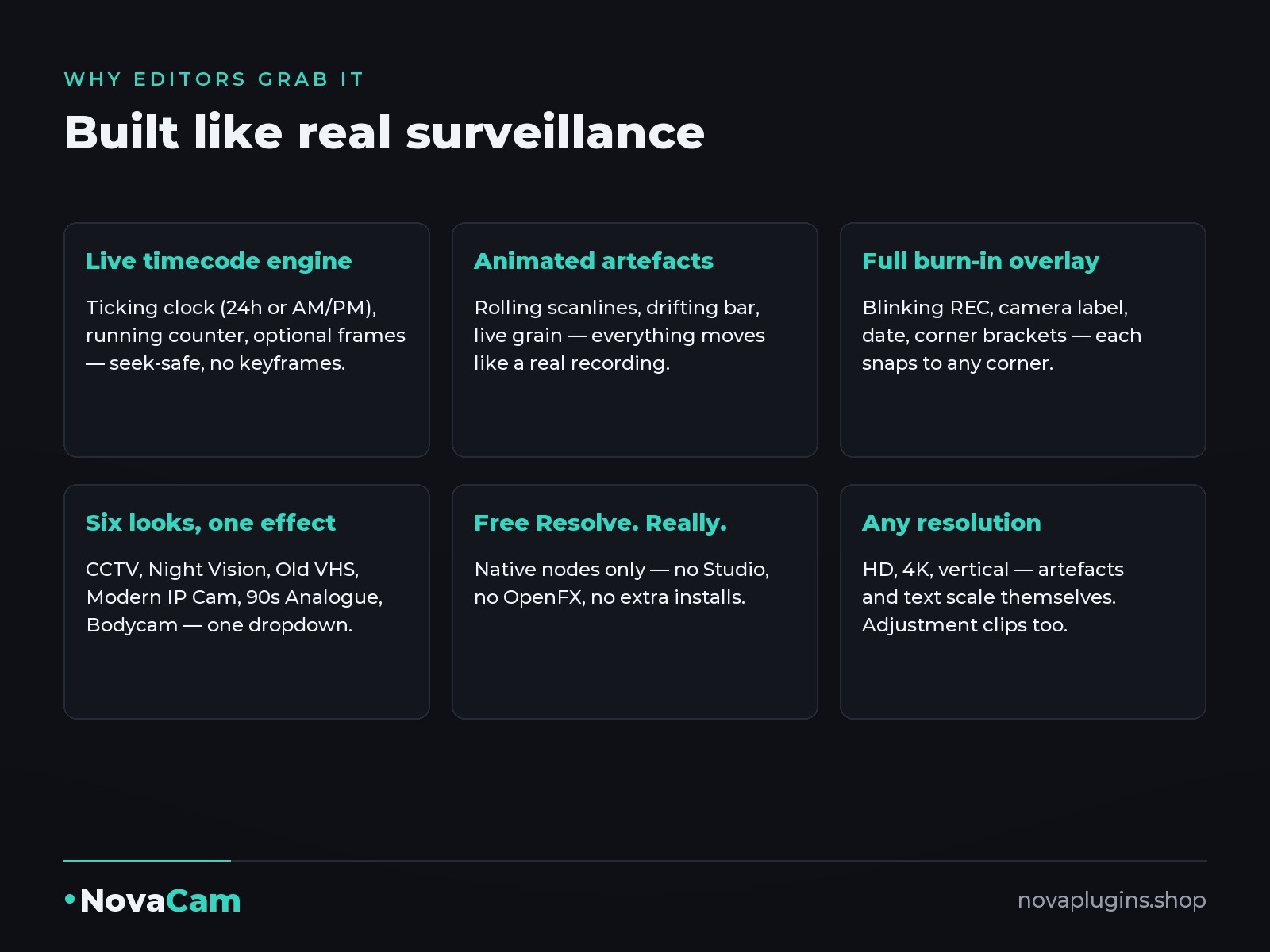
A live timecode engine
A really-ticking clock (24-hour or AM/PM) from any start time you type, or a running counter, with an optional frames display. It's computed, never keyframed — so it's always correct wherever you scrub.
A REC dot that actually blinks
Adjustable blink rate in Hz, plus a camera label, a date line and corner brackets. Every element snaps to any corner you want it in.
Animated damage, not a static overlay
Rolling scanlines (opacity, pitch AND scroll speed), a drifting bar, live grain, chroma bleed and vignette — each on its own slider, with one Degrade Master that scales them all together.
Restyle the whole burn-in at once
One font picker, one colour swatch and one text-scale slider change every piece of the overlay together, so the look stays consistent without touching each element.
Six looks in ONE effect
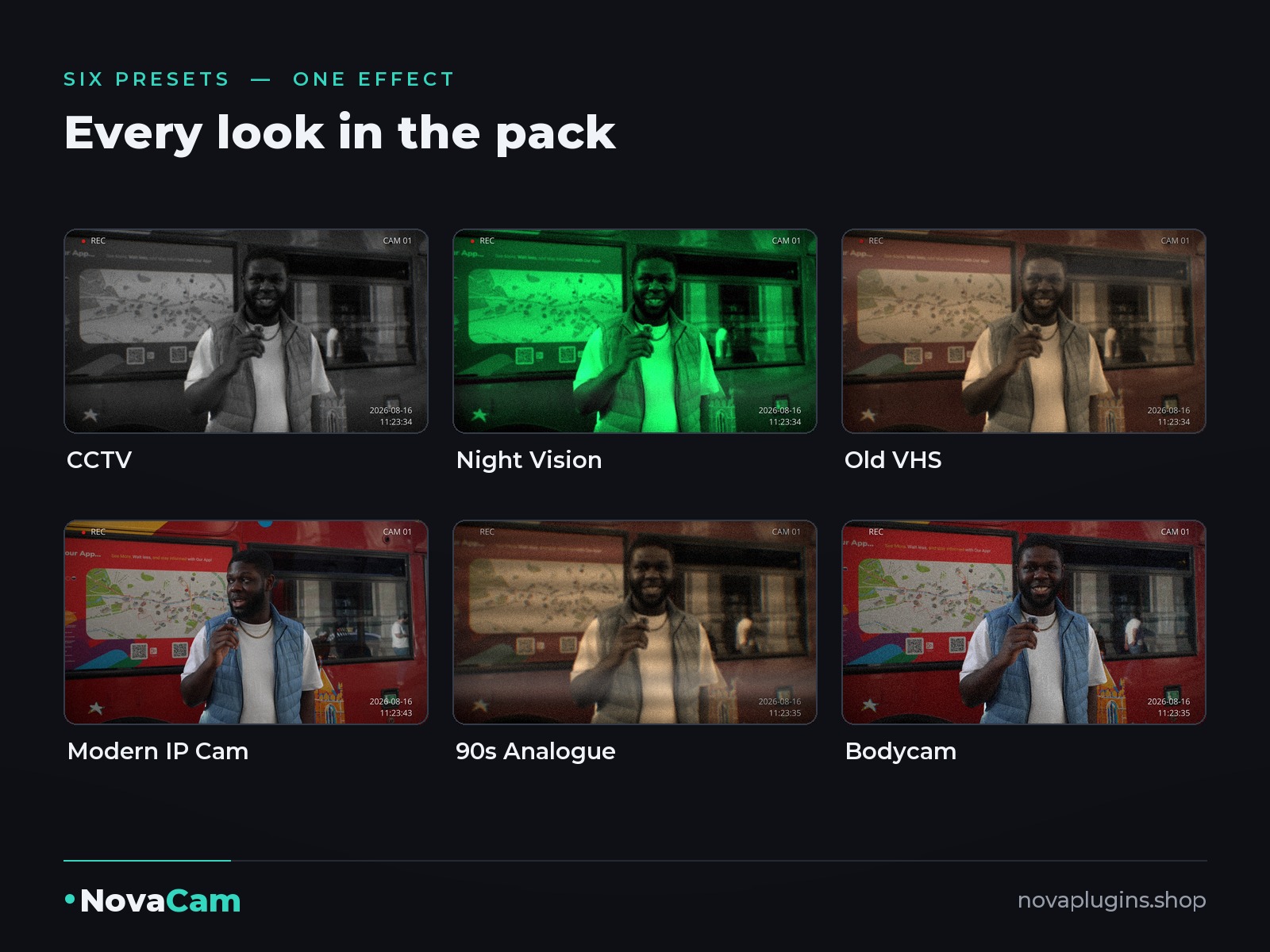
A dropdown, not six separate files. Switch between CCTV, night vision, VHS, modern IP cam, 90s analogue and bodycam from a single menu on the same clip.
Works in FREE DaVinci Resolve
Built from native nodes only — no OpenFX, no Studio licence. Resolution independent (HD, 4K, vertical) and it works on adjustment clips too.
See it in action
Click any image to see it full-size.
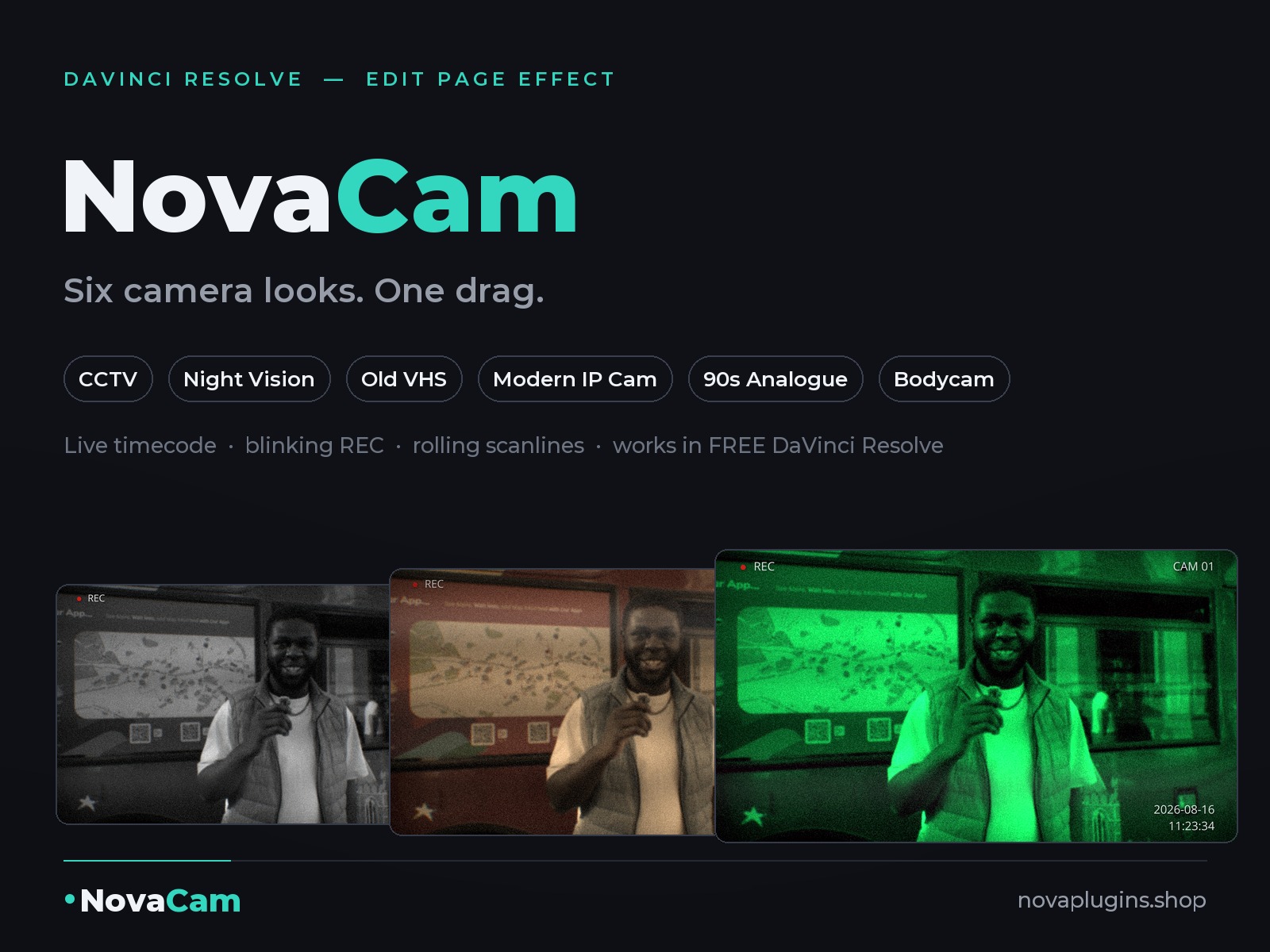
6 looks, one menu
Every preset on the same frame — pick from the dropdown and your whole clip changes. Click to see them full-size.
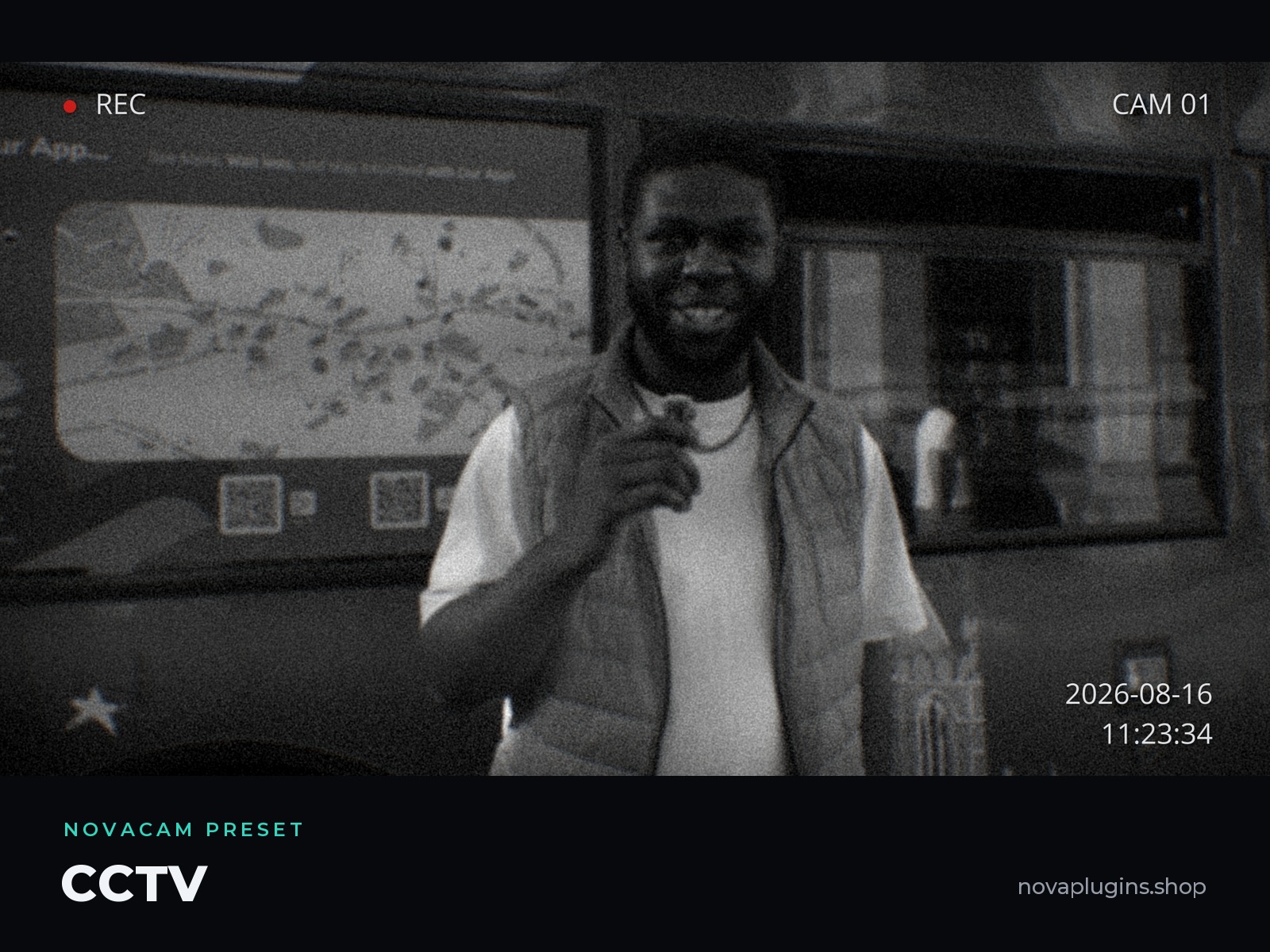
CCTV
Classic security-camera black & white, grain and scanlines.
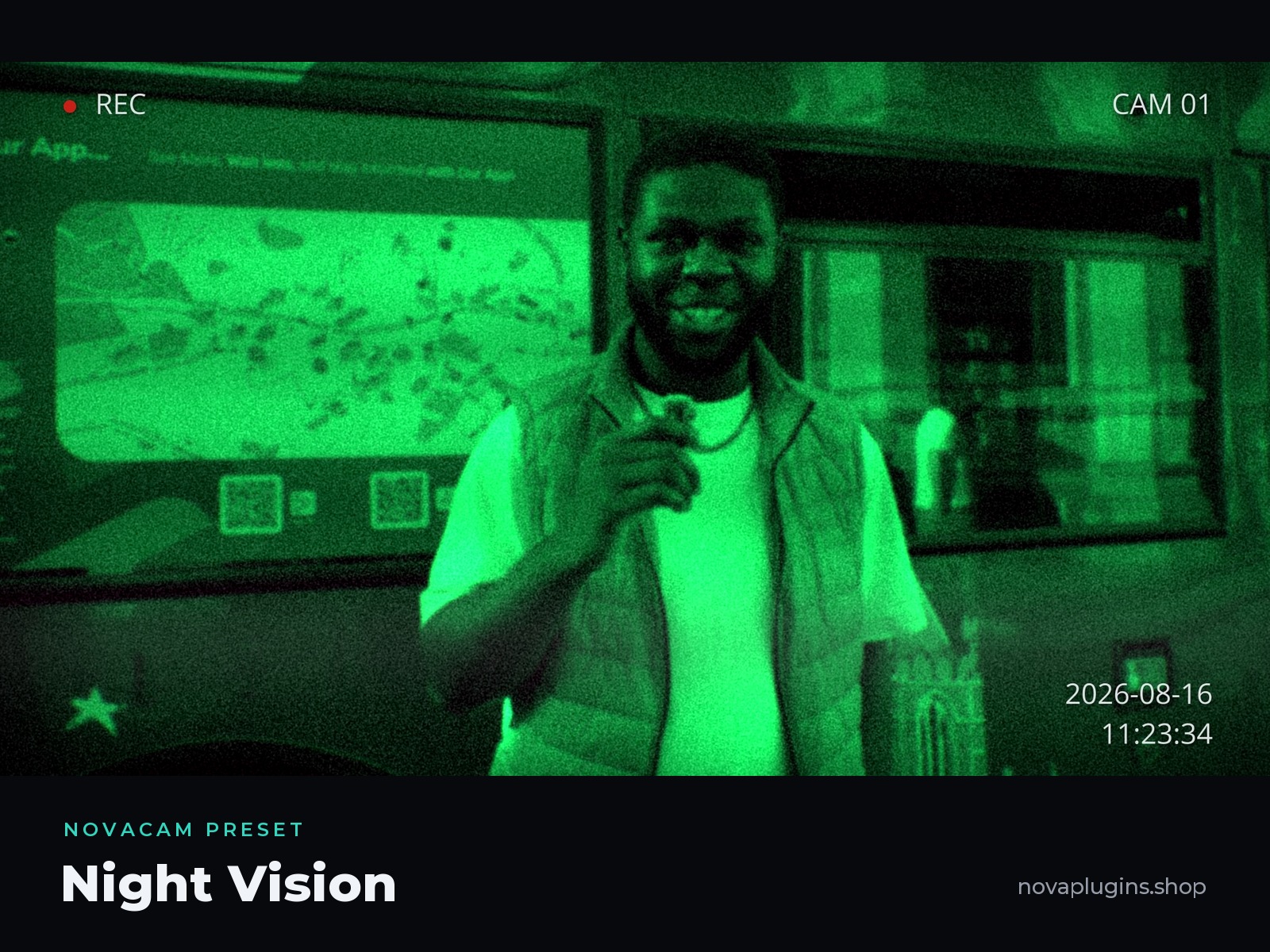
Night Vision
Green phosphor glow — and the tint colour is editable.
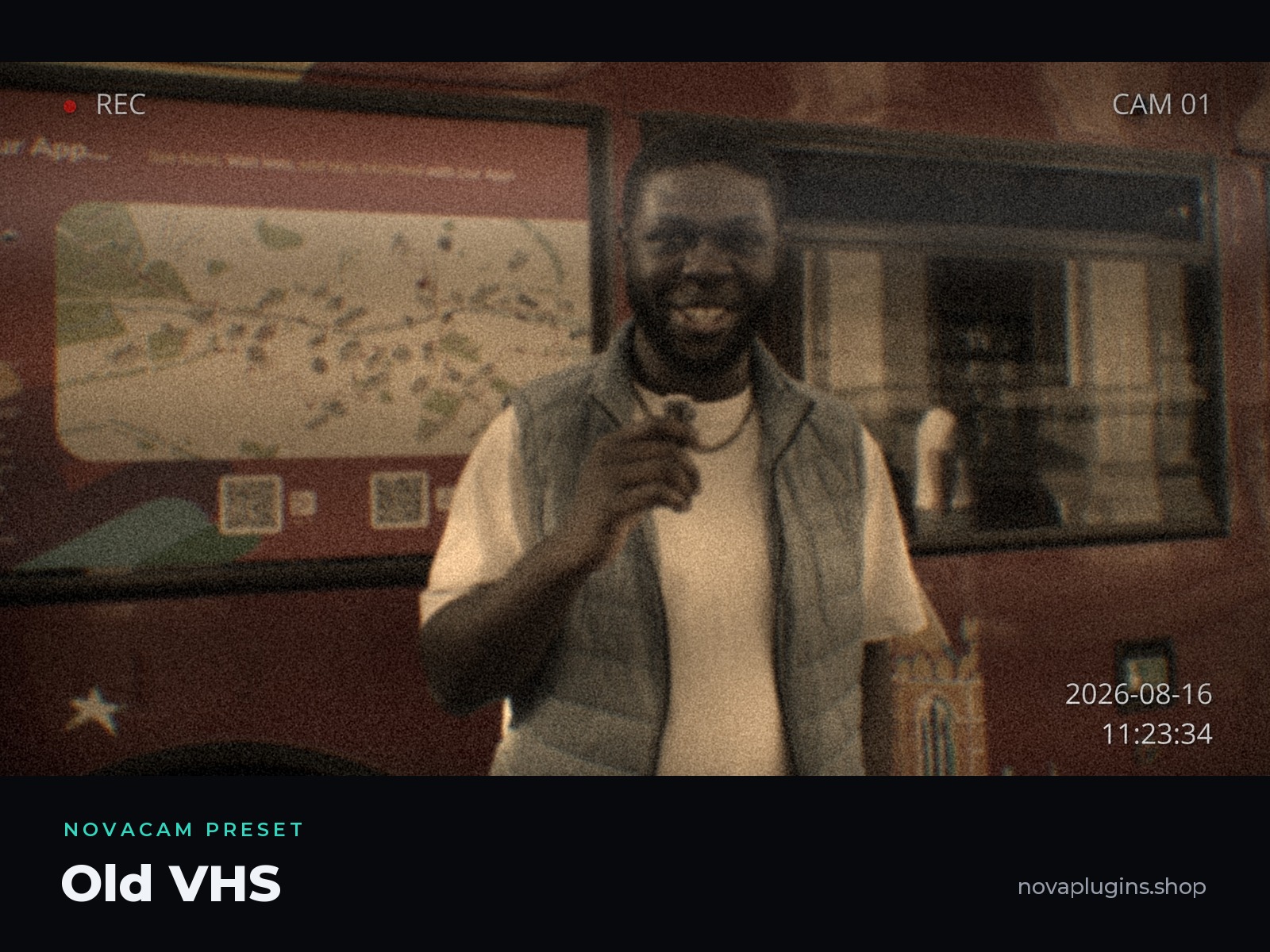
Old VHS
Warm sepia, soft focus, chroma bleed and heavy scan.
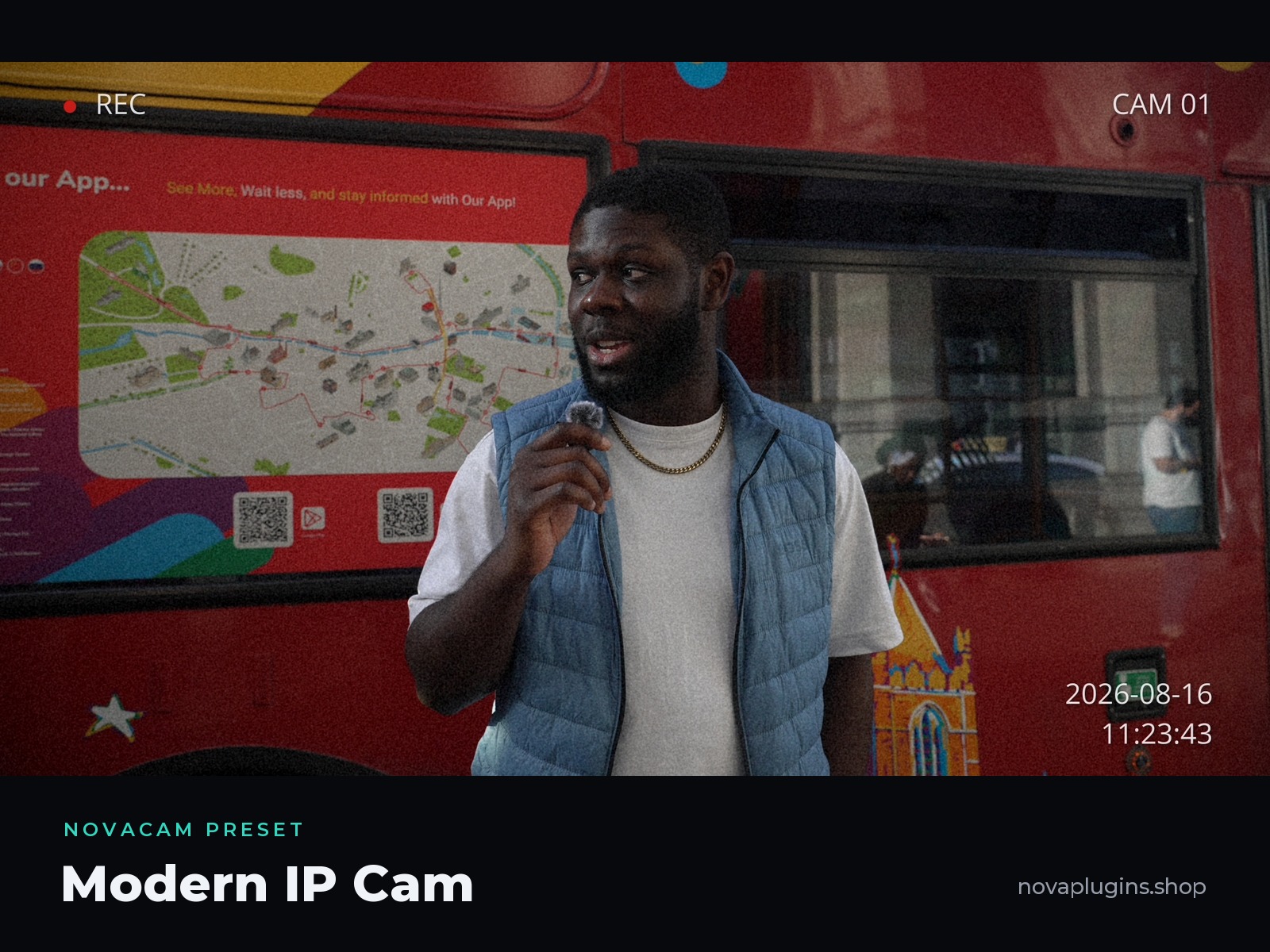
Modern IP Cam
Clean and sharp — today's doorbell and IP camera look.
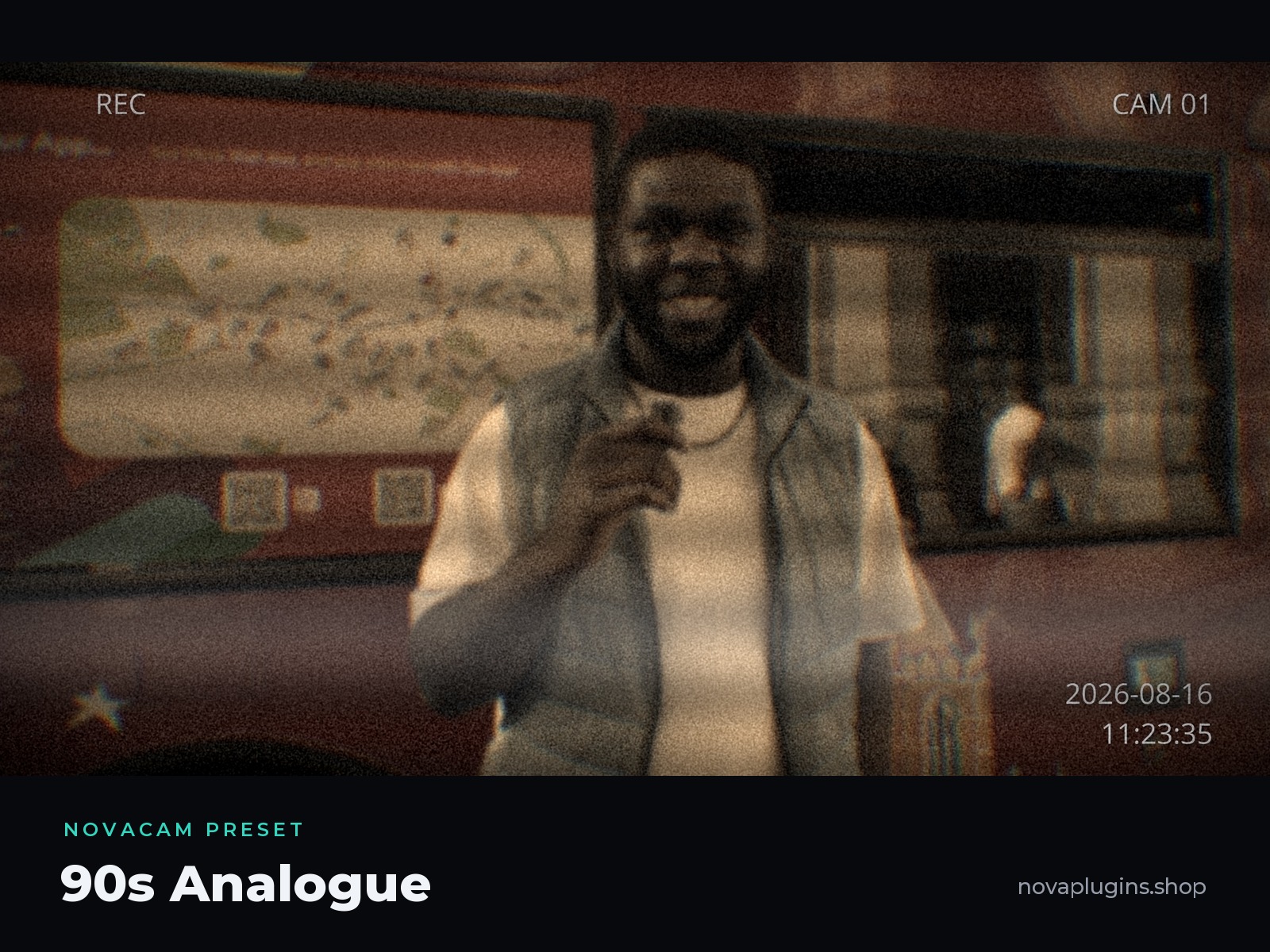
90s Analogue
The heaviest degrade: soft, noisy and rolling.

Bodycam
Punchy contrast with big, legible burn-in.
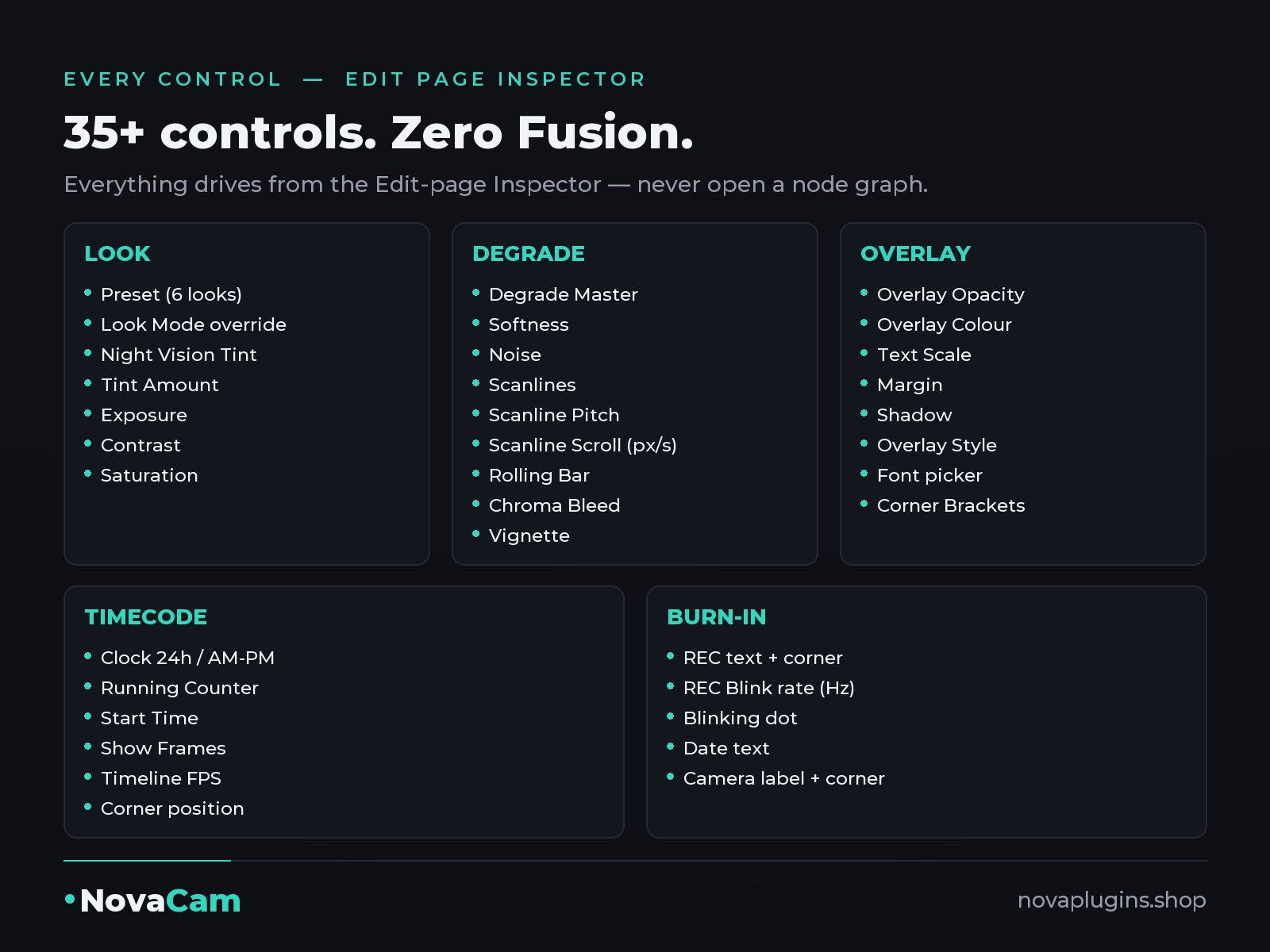
Every control
35+ controls in the Inspector — use one of them or all of them.
Look
Preset · Look Mode override (Colour / B&W / Night Vision / VHS-Sepia) · Night Vision Tint (swatch) · Tint Amount · Exposure · Contrast · Saturation
Degrade
Degrade Master · Softness · Noise · Scanlines · Scanline Pitch · Scanline Scroll (px/sec) · Rolling Bar · Chroma Bleed · Vignette
Overlay
Overlay Opacity · Overlay Colour (swatch) · Text Scale · Margin · Shadow · Overlay Style · Font · Corner Brackets
REC
REC Text · REC Corner · REC Blink (Hz)
Timecode
Mode (Off / Clock 24h / Clock AM-PM / Counter) · Start Time · Show Frames · Timeline FPS · Corner
Labels
Date Text · Camera Text · Camera Corner
How it works
Drag it on
Drag NovaCam from Effects → Toolbox → Effects onto a clip on the Edit-page timeline (or onto an adjustment clip).
Pick a preset
Choose one of the 6 presets in the Inspector — CCTV, Night Vision, Old VHS, Modern IP Cam, 90s Analogue or Bodycam.
Make it yours
Optional: set Timeline FPS to match your timeline so the clock ticks at exactly real speed, and type your own Start Time, date and camera name.
Reviews
No reviews yet — be the first to review NovaCam.
FAQ
Does it work in the free version of Resolve?+
Yes — NovaCam is built entirely from native nodes. No Studio licence, no OpenFX, nothing else to install.
Can I turn parts of the overlay off?+
Everything. Empty a text field to hide that element, every artefact slider goes to 0, and Overlay Opacity kills the whole burn-in at once.
Does the timecode really run?+
Yes — it's computed from the playhead, so it's frame-accurate, scrub-safe and render-safe. Set Timeline FPS to your timeline's rate (Resolve doesn't expose it to effects — a one-time, two-second step).
Which Resolve version do I need?+
DaVinci Resolve 18 or newer, free or Studio. It installs as a standard .drfx — double-click it, then restart Resolve.
What do I get, and refunds?+
A lifetime NovaCam license — one-time purchase (currently €4 as a launch price, rising to €6), no subscription. 14-day no-questions refund via Lemon Squeezy.