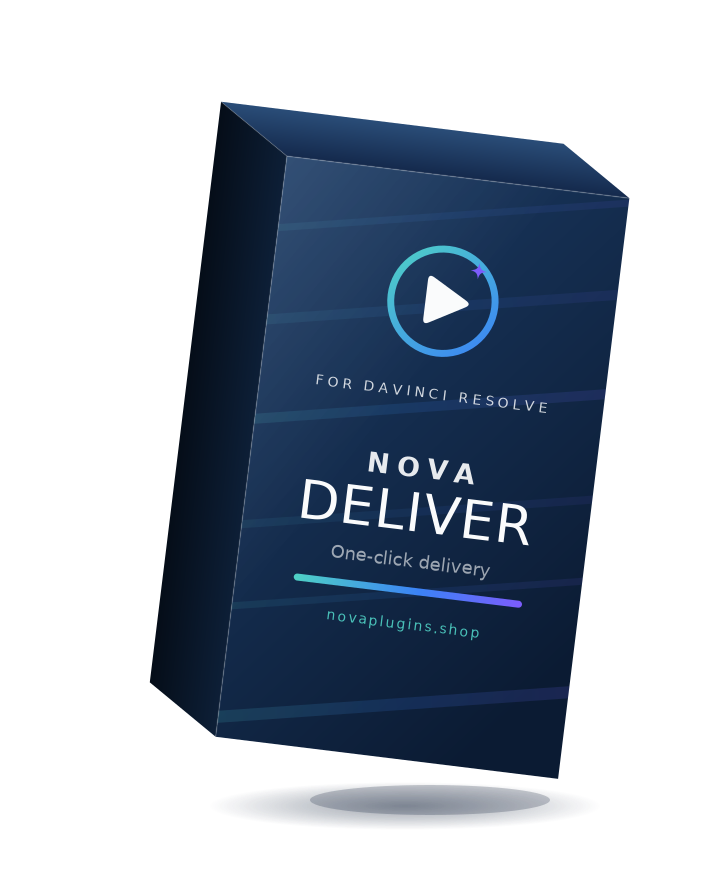
NovaDeliver
One timeline. Every social format. One click.
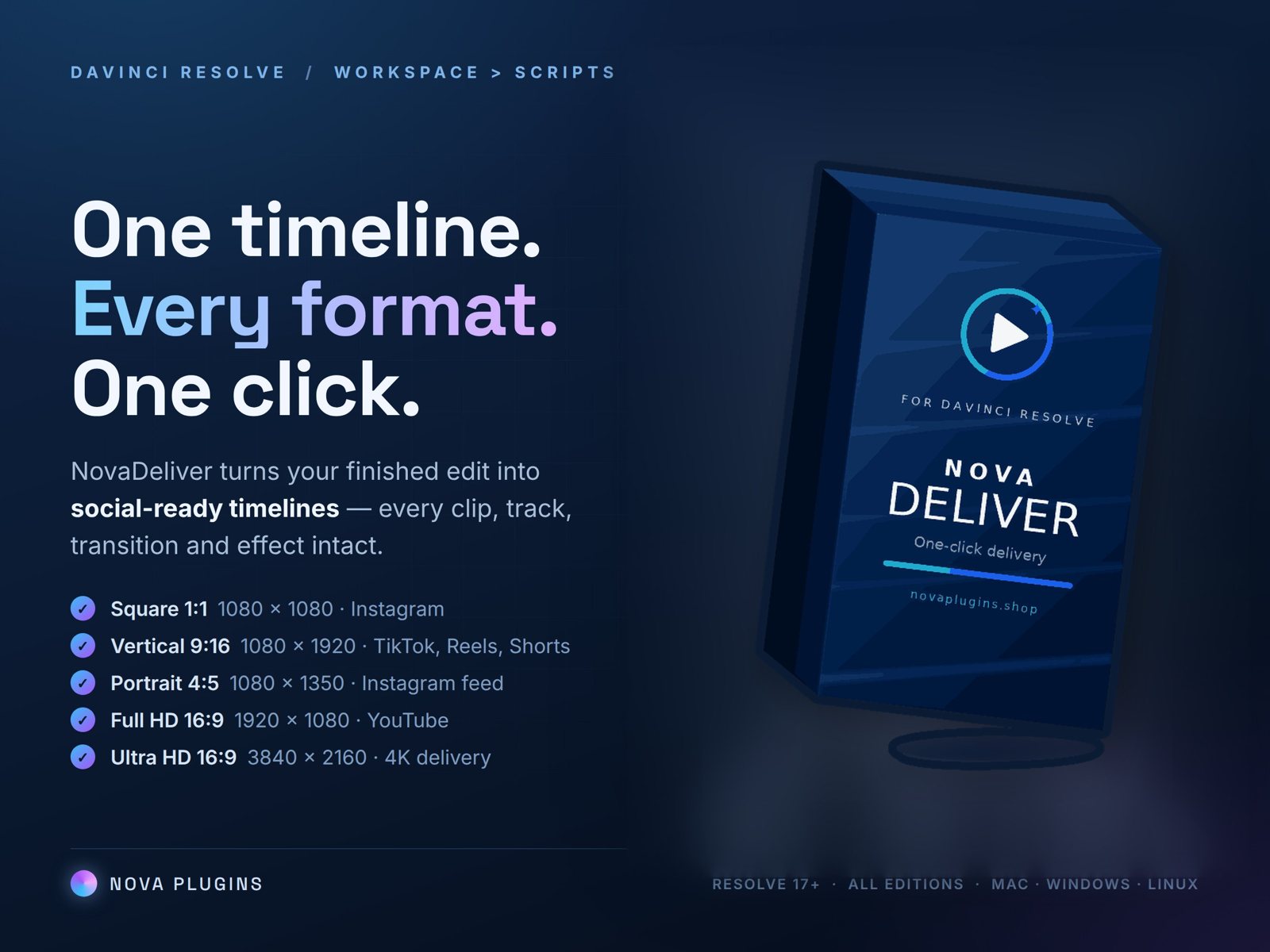
NovaDeliver instantly creates Square, Vertical and Portrait versions of your timeline — every clip, track and effect intact, clips scaled to fill the frame. Your original timeline is never touched. You just reframe. Works with the free version of Resolve.
What it does
Three social formats, instantly
One dialog inside Resolve creates Square 1:1 (1080×1080), Vertical 9:16 (1080×1920) and Portrait 4:5 (1080×1350) copies of your edit.
A complete copy, every time
All video and audio tracks, cuts, transitions and effects carry over. Clips are automatically scaled to fill the new frame — no black bars.
Non-destructive
Your original timeline is never touched. The new versions land in your Media Pool, and you can rename them right in the dialog.
You keep creative control
NovaDeliver sets up the format; you drag each shot where it looks best. No blind center-cropping — automatic reframing ruins off-centre subjects.
See it in action
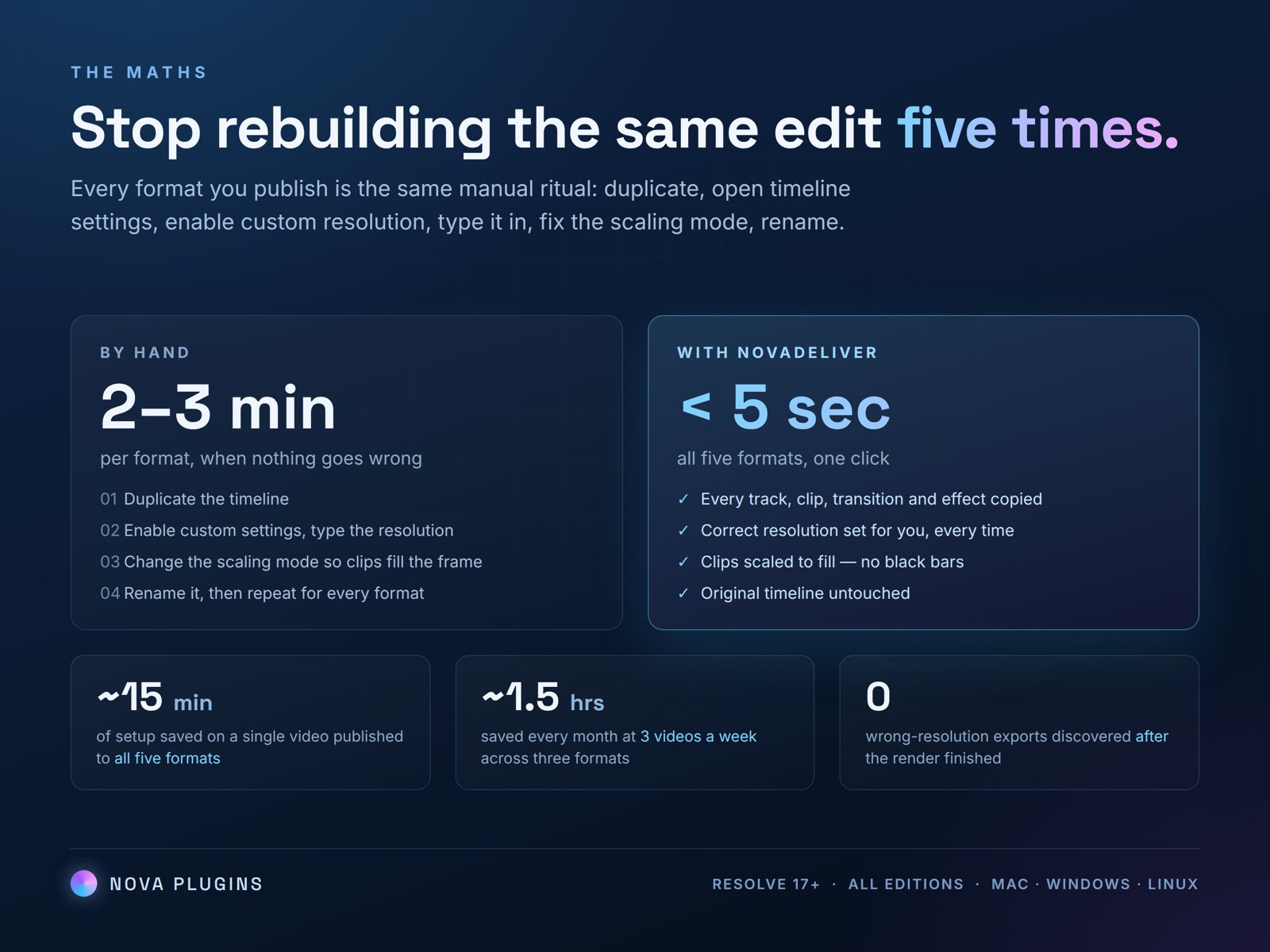
One dialog inside Resolve — and the time it saves on every video you publish.
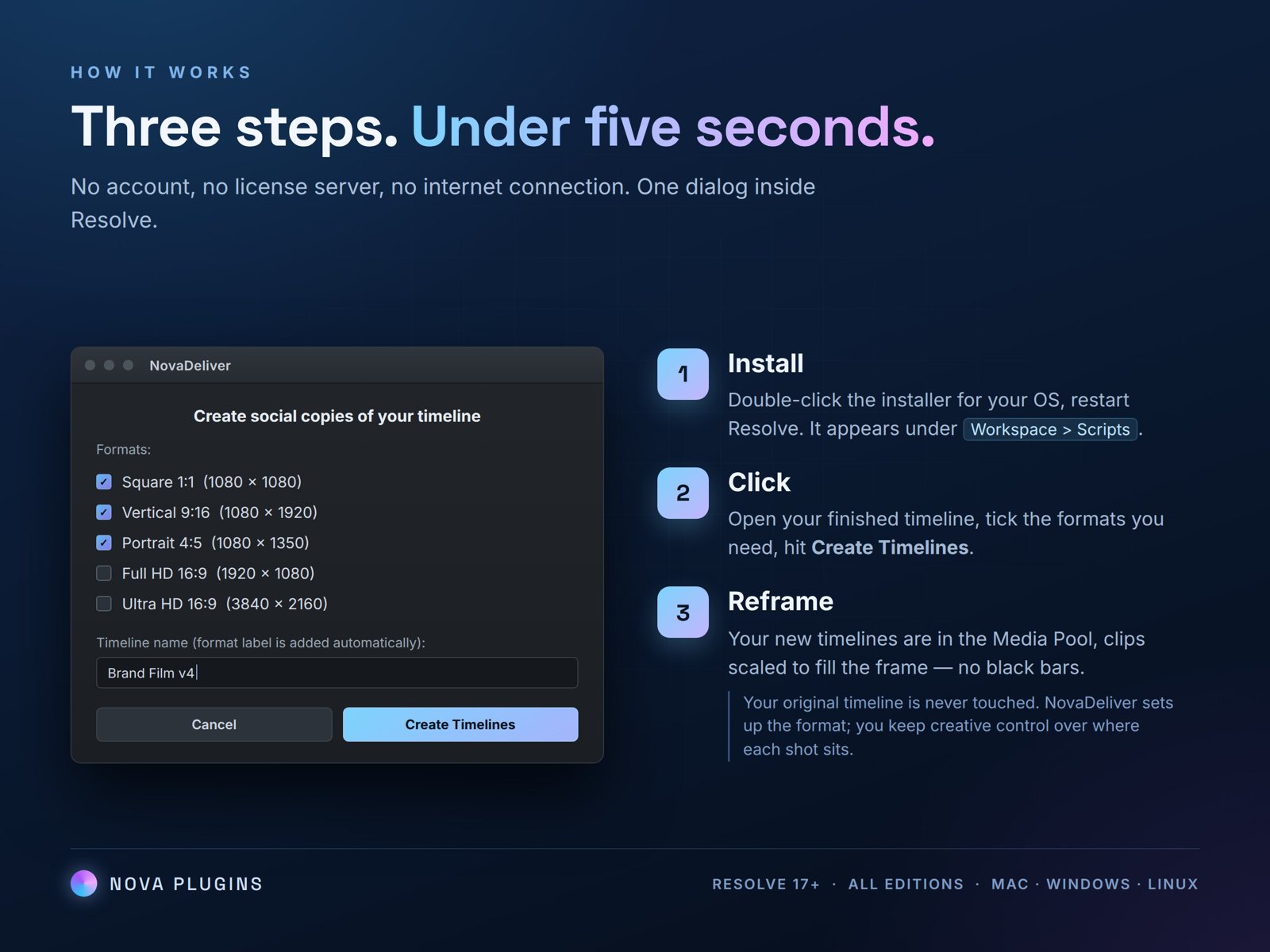
How it works
Install
Download, double-click the installer for your OS, restart Resolve.
Click
Open your finished timeline, run Workspace → Scripts → NovaDeliver, tick the formats you need, hit Create Timelines.
Reframe
Your new timelines are in the Media Pool. Adjust Position/Zoom per shot and export as usual.
Reviews
No reviews yet — be the first to review NovaDeliver.
FAQ
What do I get, and refunds?+
A lifetime NovaDeliver licence — €5 one-time (17% off the regular €6), no subscription — activatable on as many computers as you want, with free updates for life. Your key arrives by email instantly. 14-day no-questions refund via Lemon Squeezy.
Does it change my original timeline?+
Never. It only creates new copies with a suffix like “_Vertical_Version”. Your edit is untouched.
Does it auto-reframe my shots?+
No — it scales clips to fill the frame, then you position each shot yourself. Automatic centre-cropping ruins shots with off-centre subjects, so you keep creative control.
Does it export the videos too?+
Not in v1.0 — it sets up the format timelines and you export as usual. Automated multi-platform rendering is coming as a separate product.