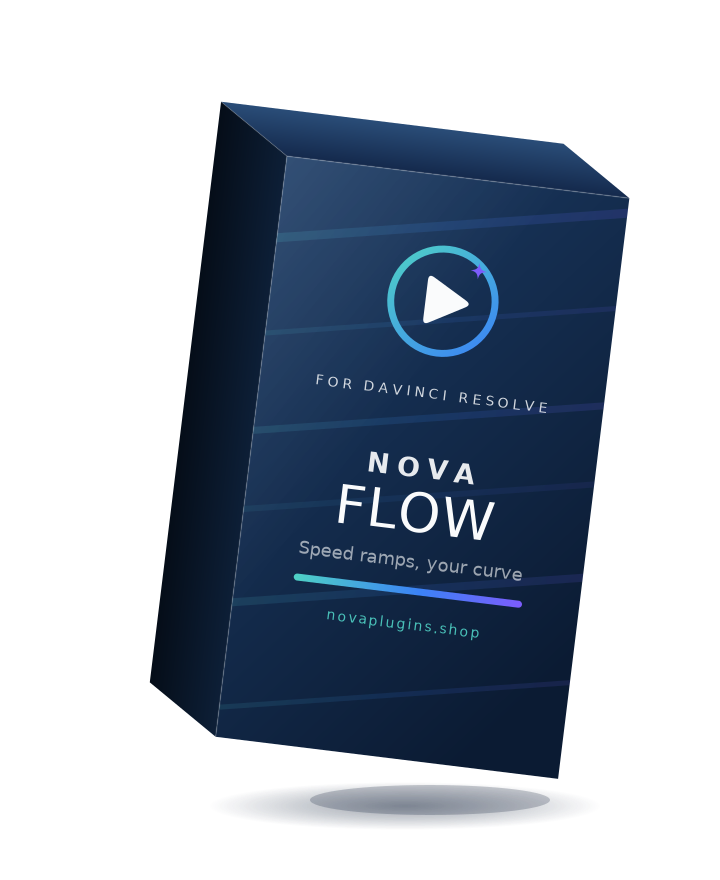
NovaFlow
Speed ramps you can shape yourself, on the Fusion page.
NovaFlow makes time-ramping simple. Start from dozens of easing presets — ease, cubic, expo, back, boomerang and more — then fine-tune the speed curve by hand in the spline editor. Blend frames or use optical flow for smooth, cinematic slow-motion.
What it does
Dozens of ramp presets
Start from a big library of easing curves — linear, ease, cubic, expo, back, boomerang, reverse and more — applied to your clip in a single click.
Shape the curve yourself
Not quite right? Drag the control points in the built-in spline editor to build the exact speed ramp you want.
Smooth slow-motion
Pick your frame interpolation — nearest, blend, or optical flow — with optional motion blur for a natural, cinematic result.
Lives on the Fusion page
Add NovaFlow as a Fusion effect and drive it straight from the Inspector. No external app to keep open.
Reviews
No reviews yet — be the first to review NovaFlow.
FAQ
What do I get when I buy?+
A lifetime NovaFlow license — €28 one-time, no subscription — activatable on as many computers as you want, with free updates for life at no extra cost. Your key arrives by email instantly.
Refunds?+
14-day no-questions refund via Lemon Squeezy if it doesn't fit your workflow.
Which versions of Resolve will it support?+
DaVinci Resolve 18 and above on macOS. Free and Studio editions both work.
Will it run offline?+
Yes — the work runs entirely on your machine. Only the one-time license activation needs internet.