NovaLiquidGlass
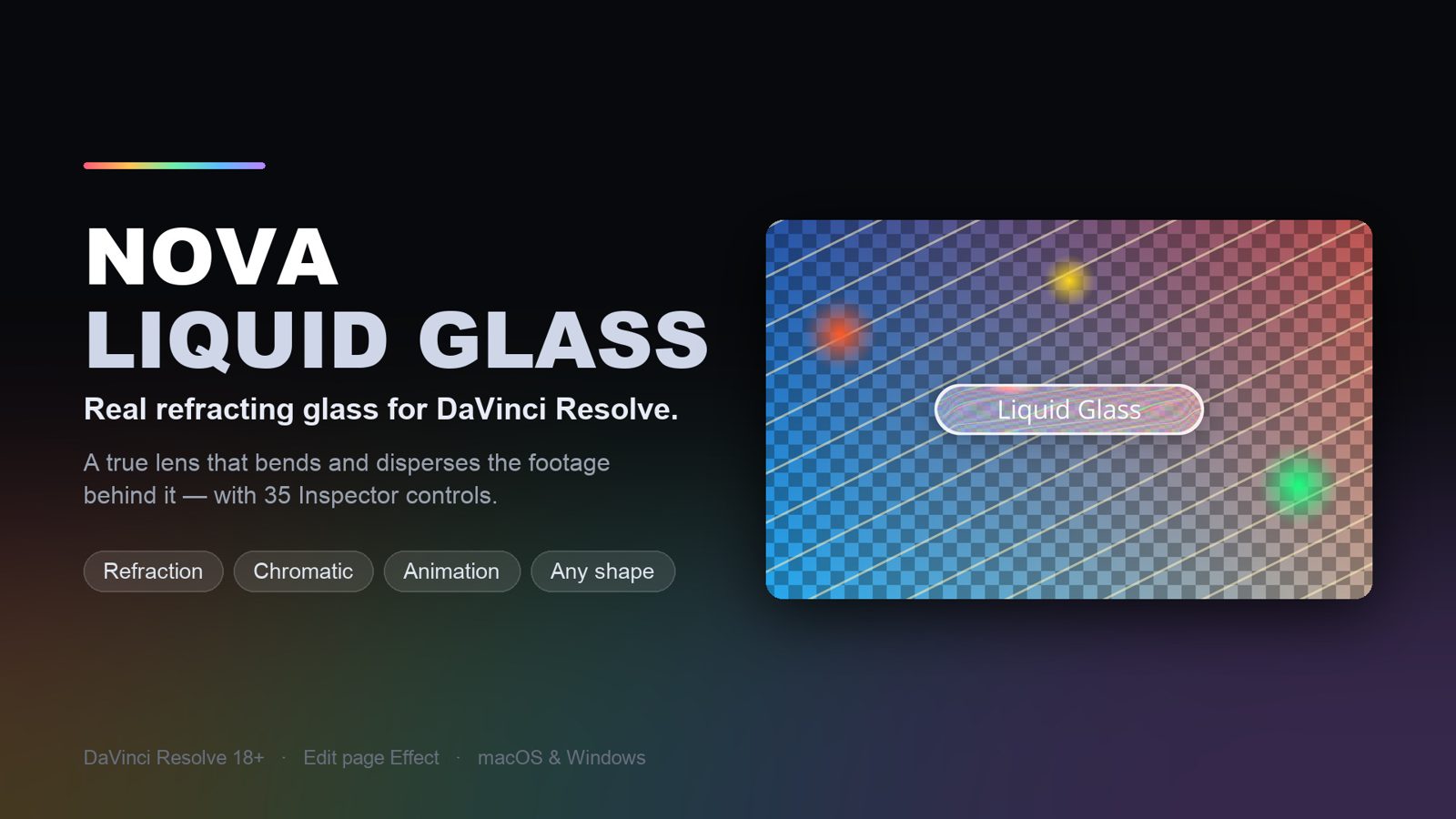
Real refracting glass for DaVinci Resolve.
An Apple-style liquid glass bar that behaves like an actual lens — it bends, magnifies and disperses the footage behind it instead of just blurring it. Shape it, animate the text, and dial in all 35 controls from the Inspector. Runs completely on your machine.
What it does
A real lens, not a blur
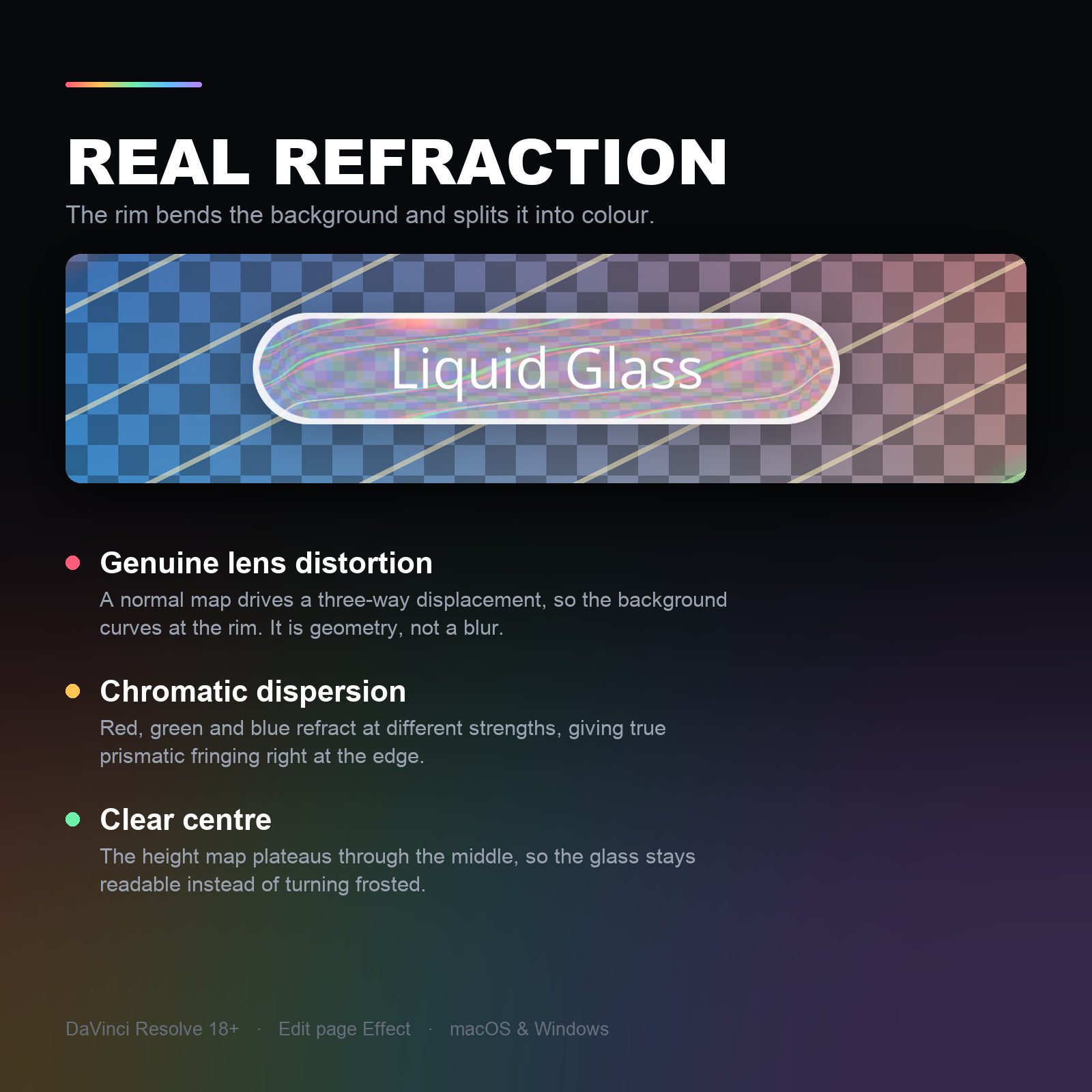
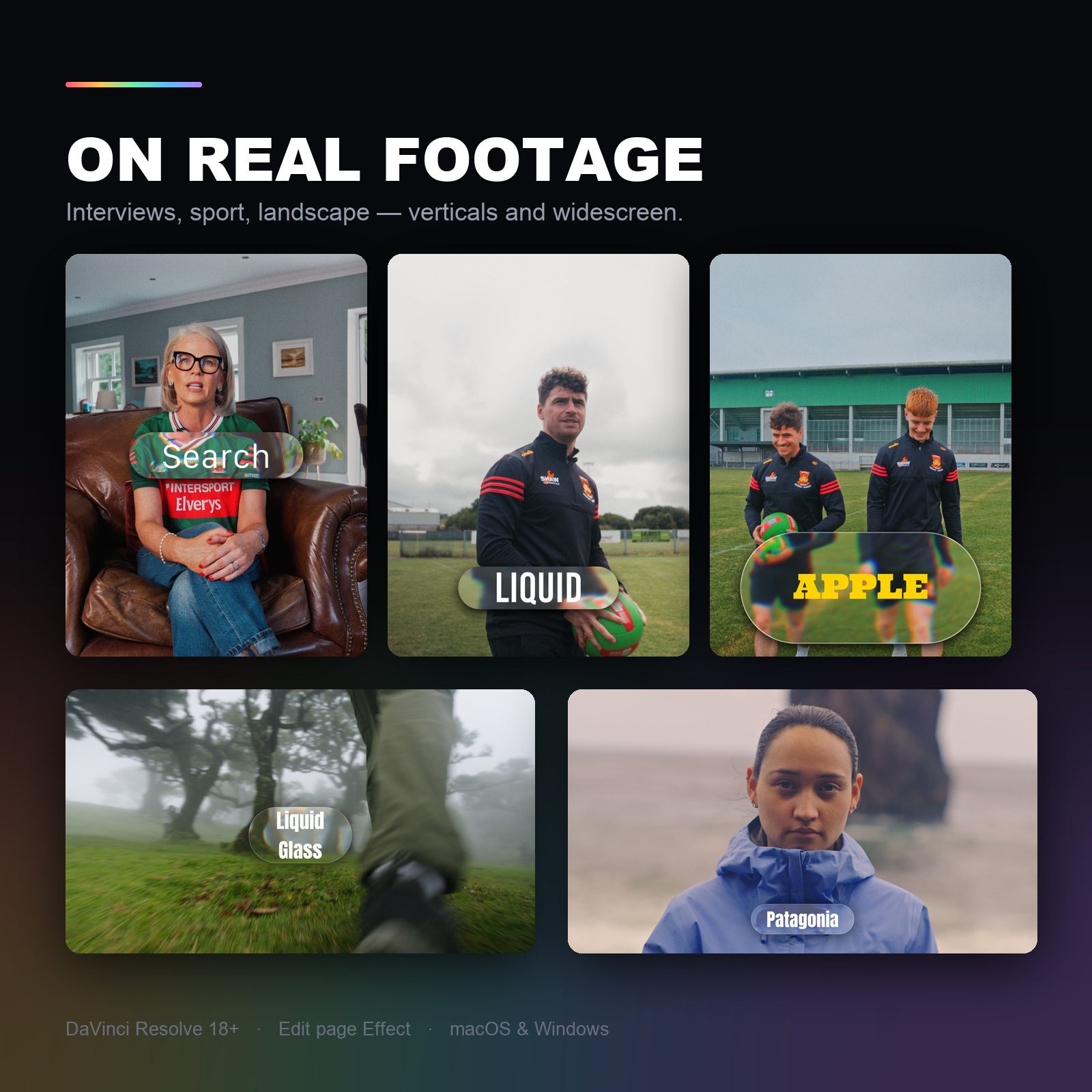
The rim genuinely bends and magnifies whatever sits behind it — a height map drives a three-way displacement, so the background curves at the edge the way real glass does. Heavy blur with a white tint reads as plastic; this reads as glass.
True chromatic dispersion
Red, green and blue refract at different strengths, so you get real prismatic fringing right at the rim — where it actually happens — instead of a coloured overlay smeared across the whole frame.
Clear in the middle, readable text
The height map plateaus through the centre, so the glass stays clear where your text sits. It never turns into a frosted blob you can't read through.
Any shape you need
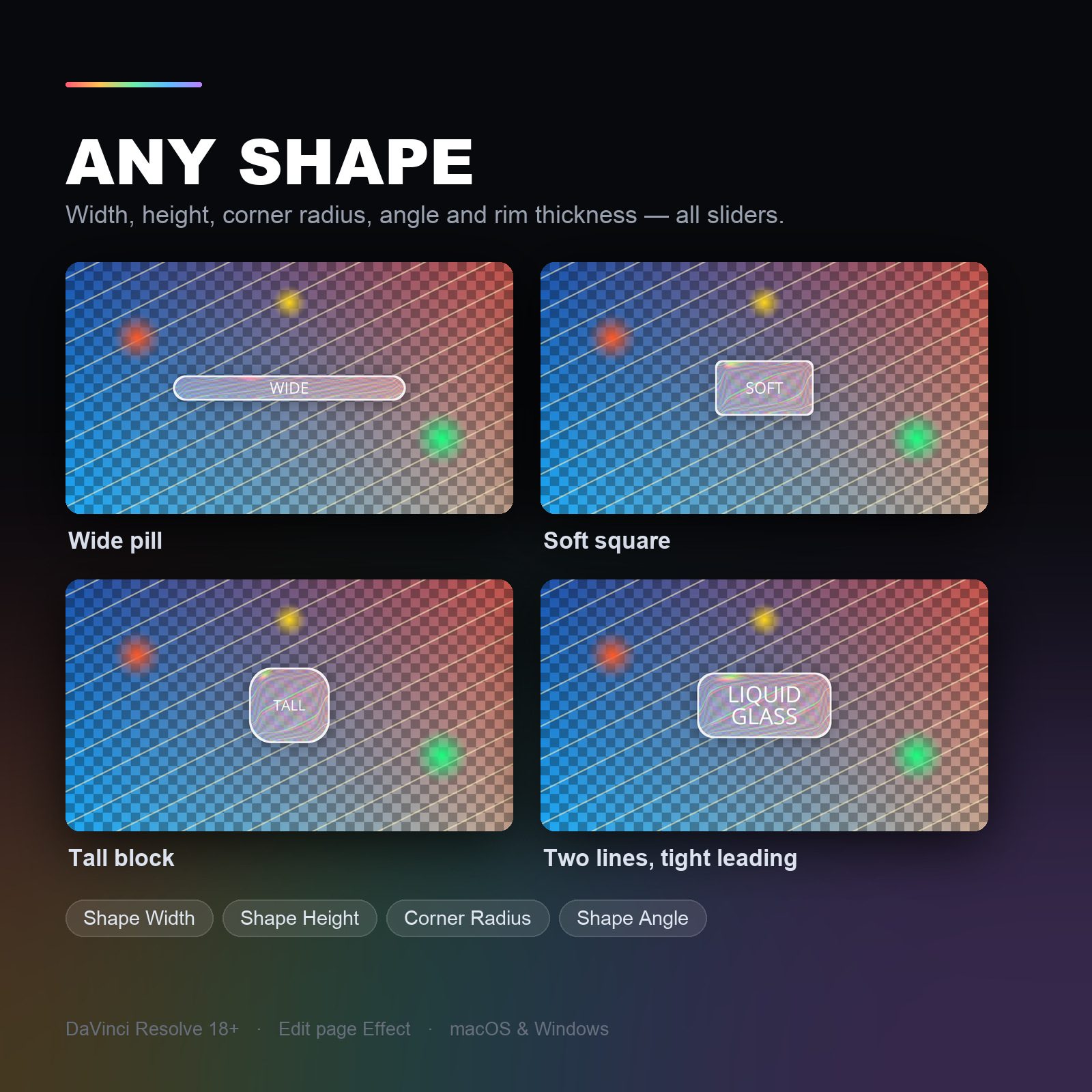
Width, height, corner radius, angle and rim thickness are all sliders — wide pill, soft square, tall block or a two-line badge. The shape doesn't hug the text, so you control it exactly.
Built-in animation, zero keyframes
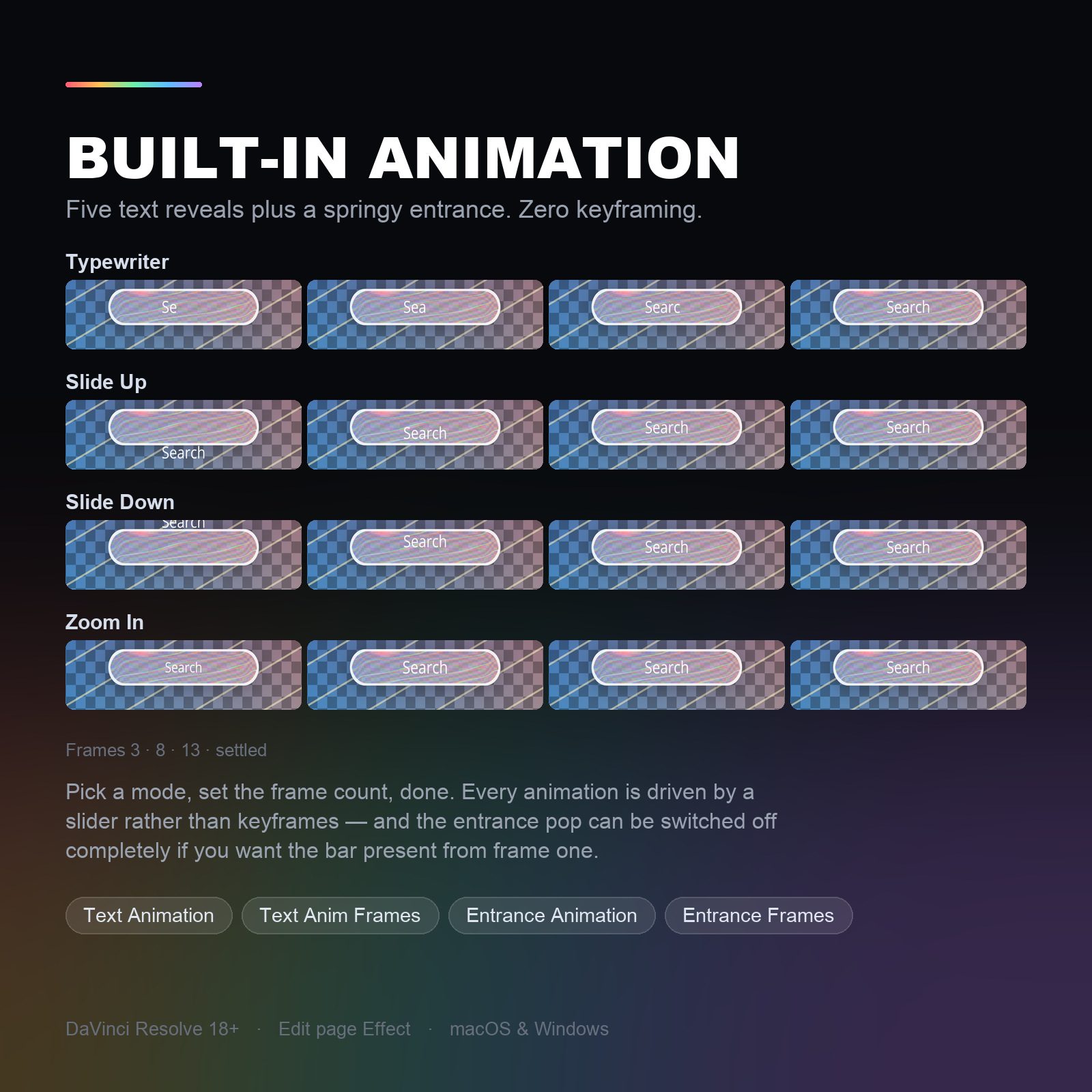
Five text reveals — typewriter, slide up, slide down, zoom in, or none — plus a springy entrance pop. Pick a mode, set the frame count, done. Every animation is a slider, not a keyframe you can knock out of place.
35 controls in the Inspector
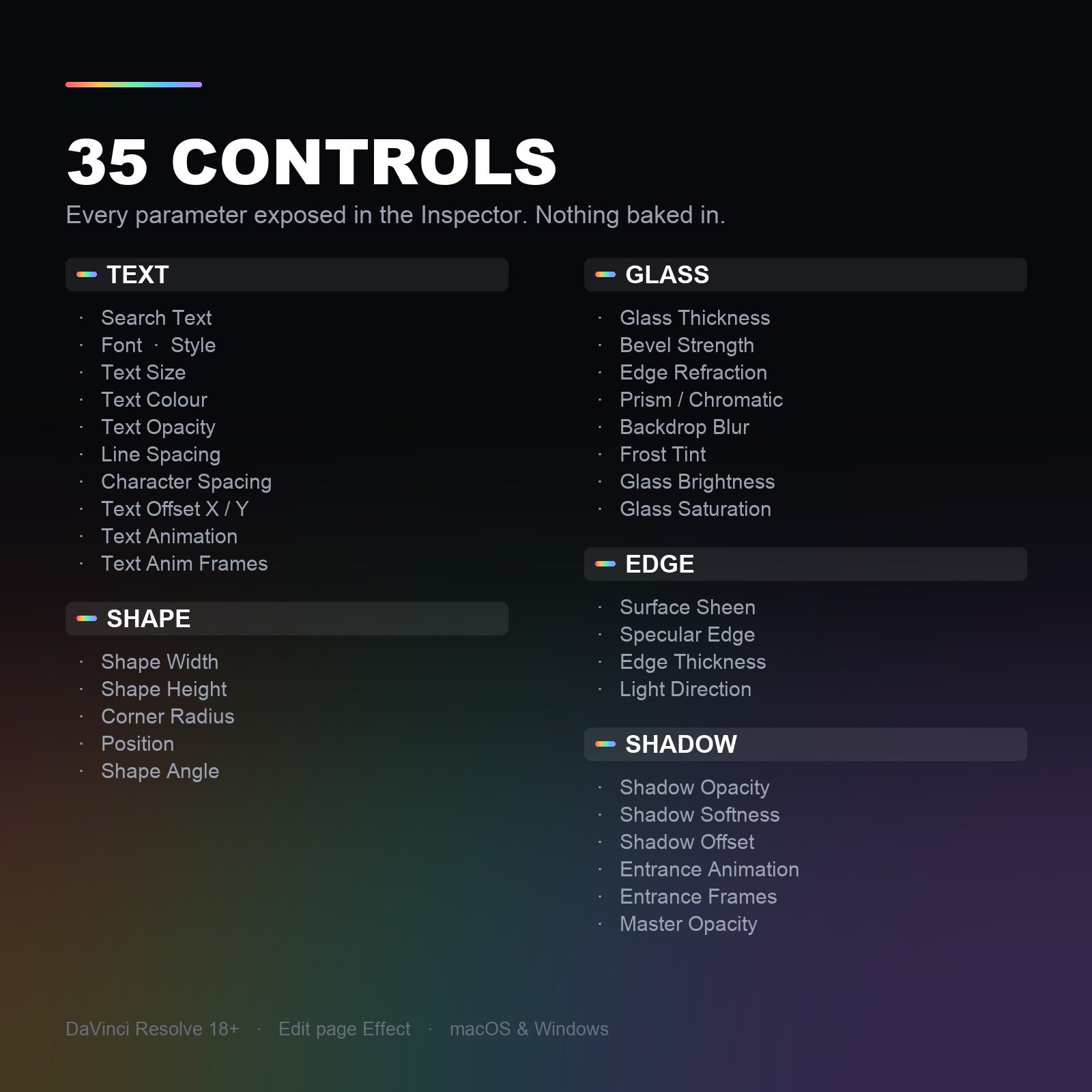
Text, shape, glass, edge and shadow — every parameter is exposed. Glass thickness, bevel, edge refraction, prism, backdrop blur, frost tint, sheen, specular edge, light direction, shadow softness and more. Nothing baked in.
See it in action
Real footage, real refraction — verticals and widescreen.
How it works
Install
Quit Resolve, double-click NovaLiquidGlass.drfx, reopen Resolve. It appears in Effects Library › Toolbox › Effects.
Drop it on an adjustment clip
This is an Effect, not a Title. Put an adjustment clip on the track above your footage and apply it there — real glass needs an image underneath to bend.
Shape it and type
Set the width, height and corner radius, type your text, pick an animation mode. Everything else is optional fine-tuning.
Reviews
No reviews yet — be the first to review NovaLiquidGlass.
FAQ
Why does it look flat or empty on my timeline?+
Because there's nothing behind it to bend. Liquid glass is a lens: every pixel of the glass is the footage underneath, refracted. Over an empty timeline or a solid colour there is nothing to refract, so you only see the rim and the text. Put it on an adjustment clip above real footage and it comes alive.
Is it an Effect or a Title?+
An Effect — you'll find it in Effects Library › Toolbox › Effects. It has to be an Effect: a Title never receives the pixels beneath it, so real refraction would be impossible.
Do I need DaVinci Resolve Studio?+
No. It works in the free version of Resolve 18 and above, on Windows and macOS.
Can I change the shape and the text separately?+
Yes. The pill doesn't auto-hug your text — width, height, corner radius and angle are explicit sliders, and Text Offset X/Y nudges the text inside the shape. Position moves the pill, ring, shadow and text together.
Do I have to keyframe the animation?+
No. Pick one of the five text reveals and set a frame count — it's all slider-driven, so there are no keyframes to knock out of place. The entrance pop can be switched off entirely.
Will it run offline?+
Yes — the work runs entirely on your machine. Only the one-time licence activation needs internet.