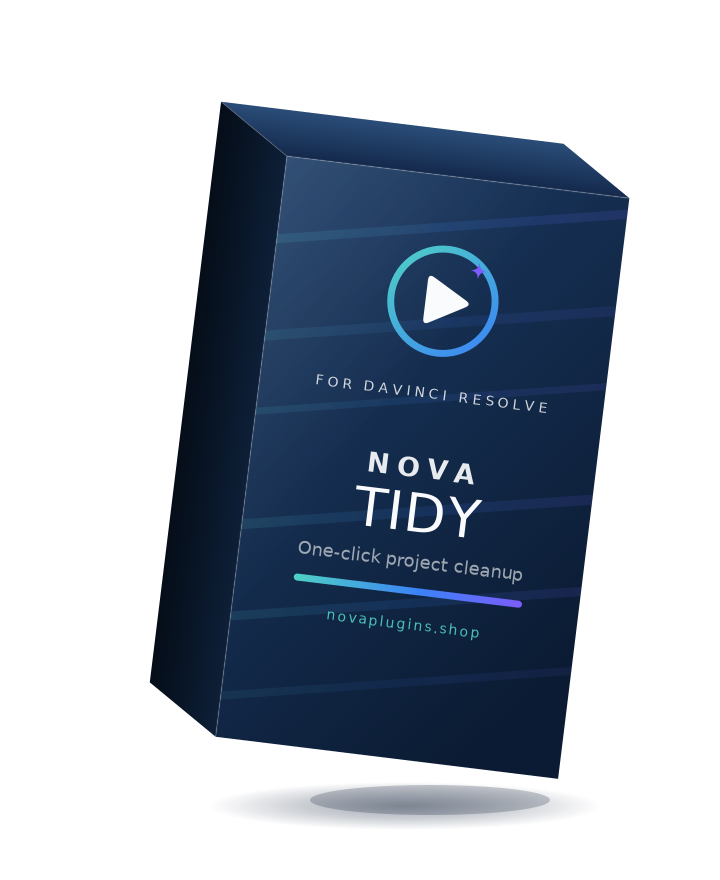
NovaTidy
Tidy your whole project in one click.
Messy media pool? NovaTidy sorts every loose clip into the right bin — Footage, Music, SFX, VFX, Graphics, Stills and Timelines — in a single click. It shows you a preview first, never deletes anything, and has one-click undo. Runs 100% on your machine.
What it does
One click, seven bins
Every loose clip is sorted into Footage, Music, SFX, VFX, Graphics, Stills and Timelines — video, audio, EXR/DPX sequences, stills and timelines all filed correctly.
Preview before anything moves
A dialog lists every planned move. Nothing happens until you press Clean up — so there are no surprises.
Never deletes · one-click undo
NovaTidy only moves clips into bins, never deletes. Every run is journaled, so Undo last tidy puts everything back exactly where it was.
Respects what's already tidy
It reuses bins you already have (Music, 01_Footage, Sound FX…) instead of duplicating them, and re-running a clean project does nothing.
How it works
Install
Download and run the installer, then restart Resolve.
Open the tool
Workspace → Scripts → NovaTidy. A dialog shows every planned move.
Clean up
Hit “Clean up” and your media pool is sorted. Changed your mind? Undo last tidy.
Reviews
No reviews yet — be the first to review NovaTidy.
FAQ
Will it delete or damage my files?+
Never. NovaTidy only moves clips into bins inside your project's media pool — it never deletes, and it shows you every planned move before doing anything.
Can I undo it?+
Yes. Every run is journaled, and “Undo last tidy” puts every clip back exactly where it was.
Does it work with the free version of Resolve?+
Yes — run it from Workspace → Scripts inside Resolve and the free version works. (Running it from a terminal instead uses external scripting, which requires Resolve Studio.)
What does it sort, exactly?+
Video → Footage, music → Music, short/keyword audio → SFX, EXR/DPX and comp/flare/overlay clips → VFX, logos & titles → Graphics, other stills → Stills, and timelines → Timelines. It reuses bins you already have rather than duplicating them.