NovaZones
Stop the app's UI eating your shot.
Every vertical platform covers part of your video with its own buttons, captions and rails — and you only find out after you post. NovaZones draws those zones straight onto your timeline, so you can see what gets covered while you're still editing. Pick your platform, frame around it, turn it off before you export.
What it does
Four platforms, one selector
Instagram Reels, TikTok, YouTube Shorts and LinkedIn. Switch platform and the overlay redraws that app's own layout — no separate presets to hunt through.
See exactly what gets covered
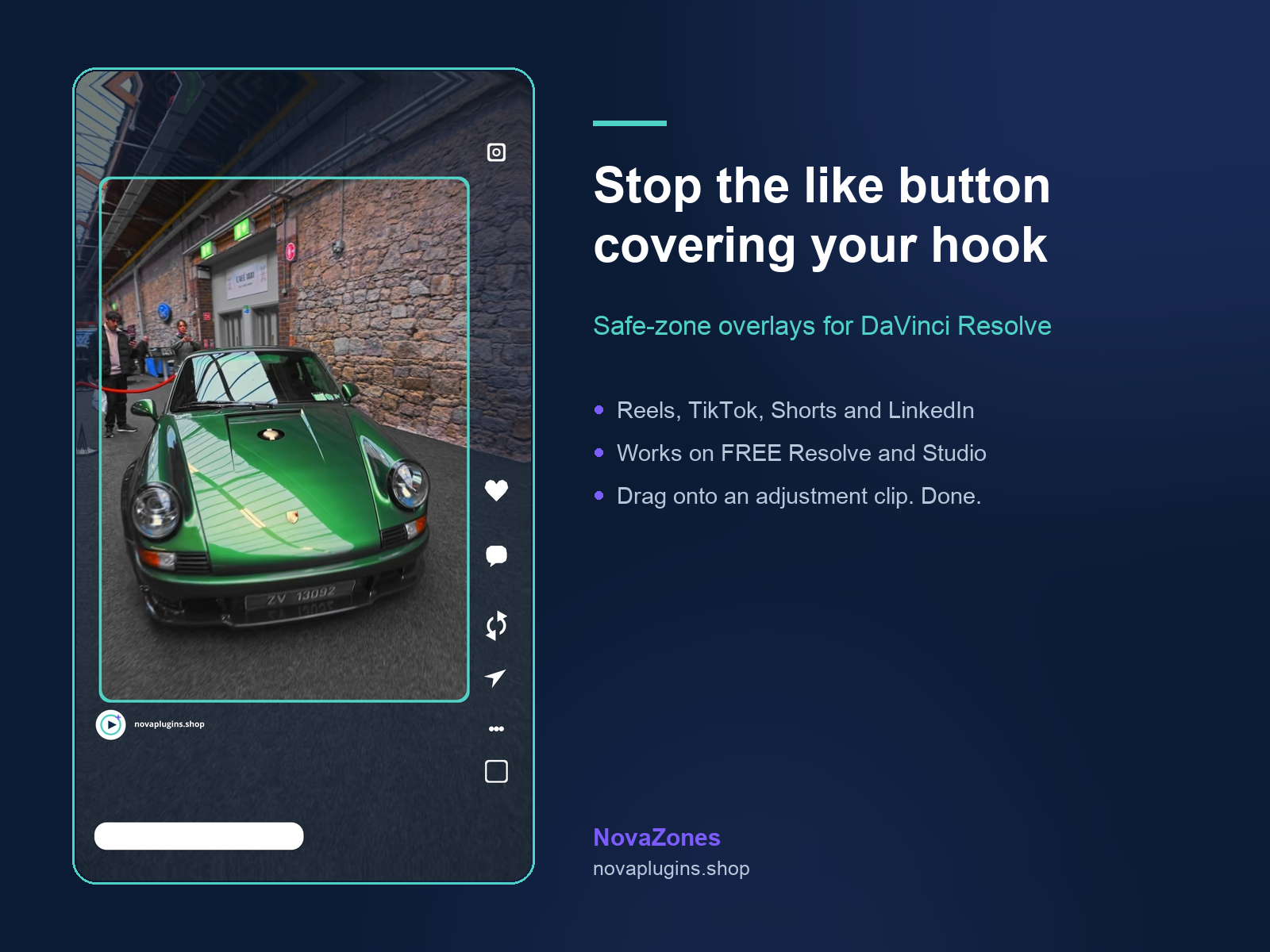
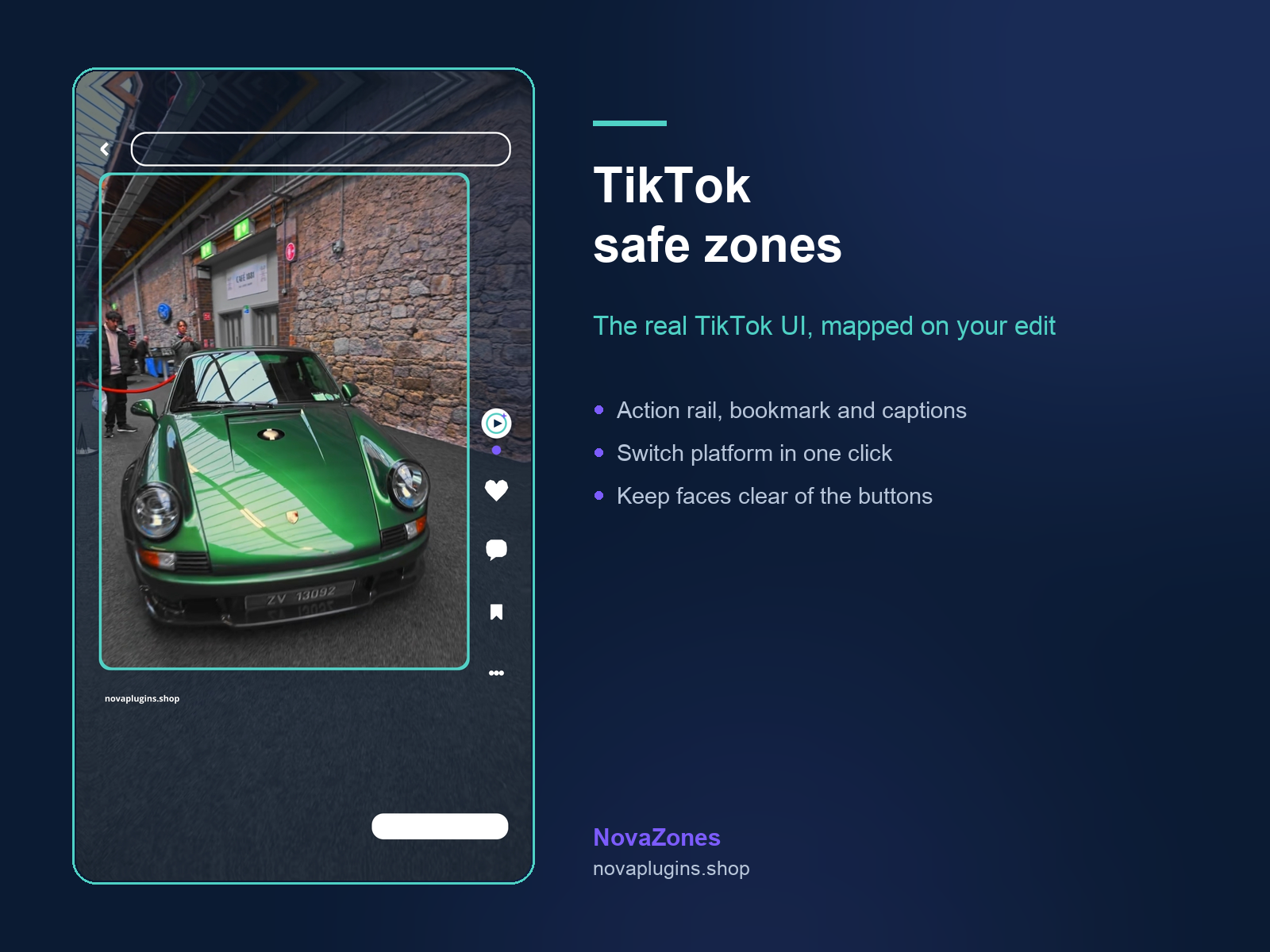
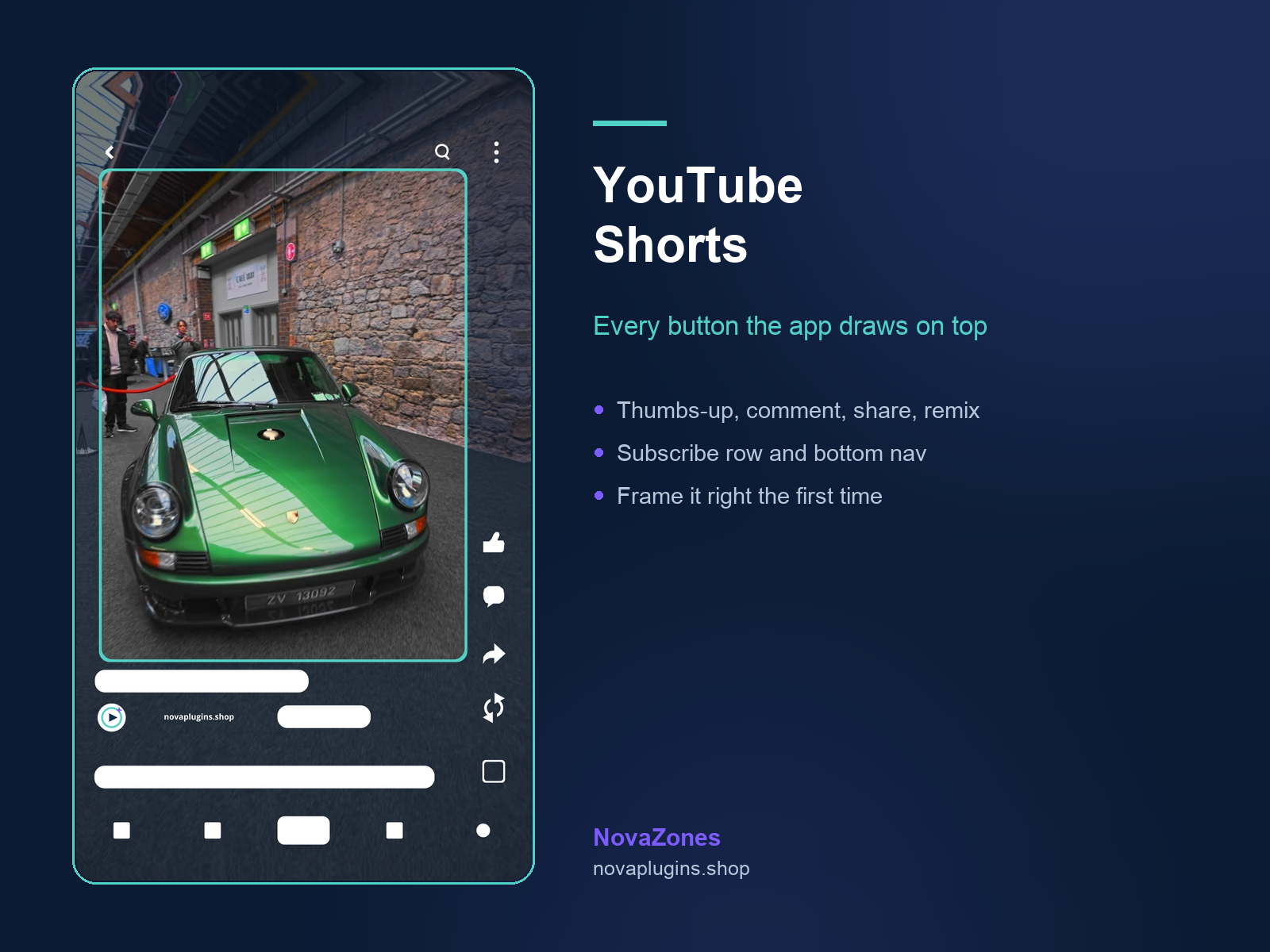
Coloured blocks sit where the app's buttons, rails and captions land on top of your video. If your subject's face or your text is under one, you'll see it now instead of after you post.
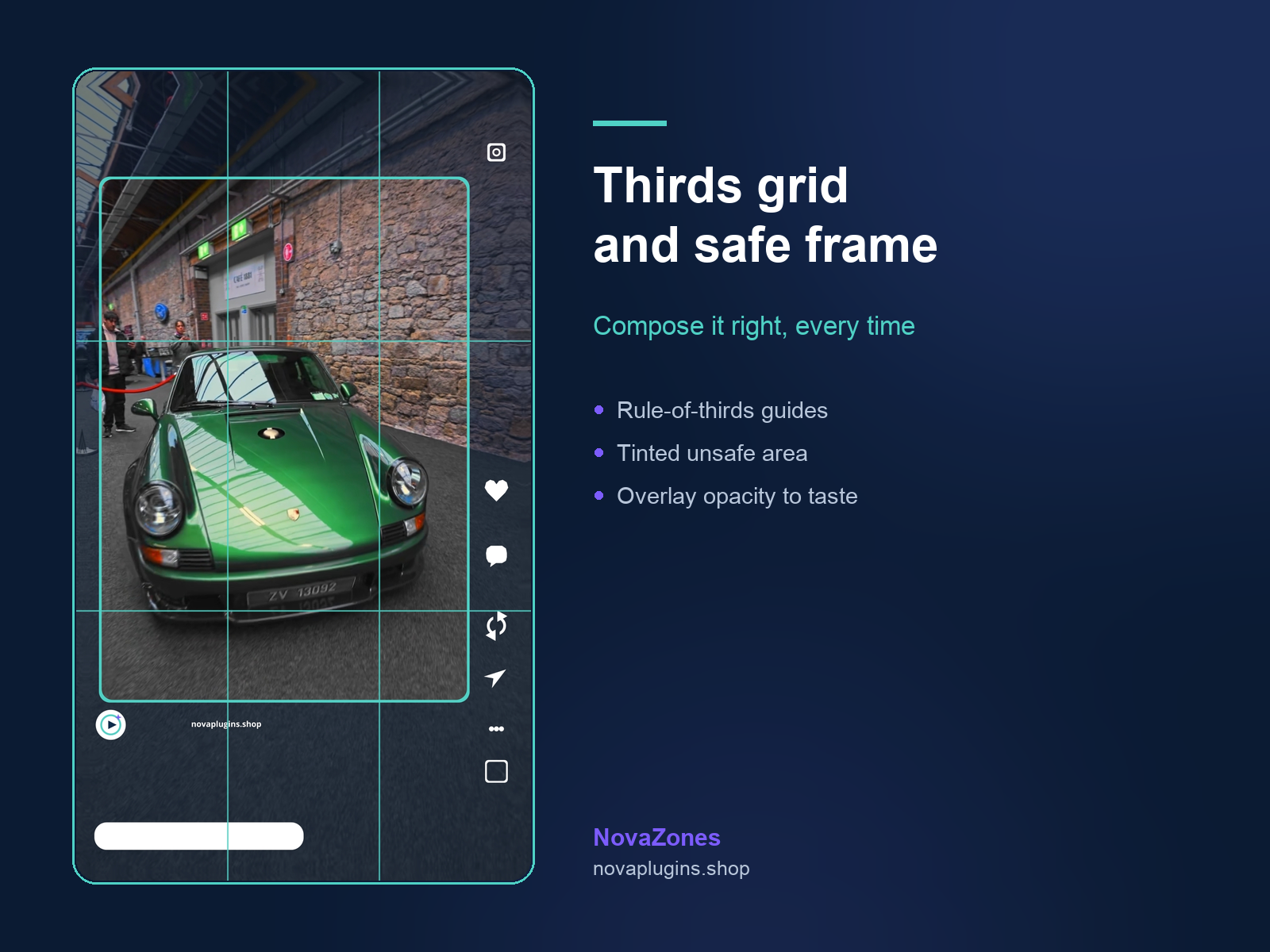
Safe frame, thirds grid, dim
Toggle a safe-area frame, a thirds grid for composition, and a dim over everything outside the safe area — so the part that actually survives the crop is obvious at a glance.
Any resolution · works in free Resolve
Resolution independent — 1080×1920, 4K vertical or anything else, it lines up. No Studio licence needed, and the overlay opacity is yours to dial down when it's in the way.
See it in action
The same shot, checked against every platform's real UI — before you post.
How it works
Install
Run the installer, paste your license key, restart Resolve. NovaZones appears in your Effects library.
Drop it on
Drag NovaZones onto an adjustment clip above your edit, then pick your platform in the Inspector.
Frame, then turn it off
Compose around the zones — then switch the effect off before you export. It's a guide, not a look.
Reviews
No reviews yet — be the first to review NovaZones.
FAQ
Where do I find it after installing?+
In the Effects library on the Edit page — not under Scripts. Drag it onto an adjustment clip sitting above your video, and the controls appear in the Inspector.
Does it end up in my exported video?+
Only if you leave it switched on. NovaZones is a guide overlay: compose your shot around the zones, then toggle the effect off before you export and your video is completely untouched.
Do I need DaVinci Resolve Studio?+
No. NovaZones works in the free version of Resolve as well as Studio, on Windows and macOS.
Do I need internet to use it?+
Only once, to activate your key when you install. After that it's just part of your Effects library — nothing is sent anywhere, ever.
What do I get, and refunds?+
A lifetime NovaZones license — €10 one-time (33% off the regular €15), no subscription — on as many computers as you want, with free updates for life. 14-day no-questions refund via Lemon Squeezy.